Backup
Configure how files are copied or moved from Source to Target, how transferred files are renamed, and how naming conflicts are resolved.
This option defines properties for File Transfer — a key stage of Backup mode. During this stage, files are copied or moved from Source to Target(s) and other defined actions are performed.
File Transfer has sub-items representing the stages each individual file passes through. The diagrams below illustrate what happens during the Backup step:
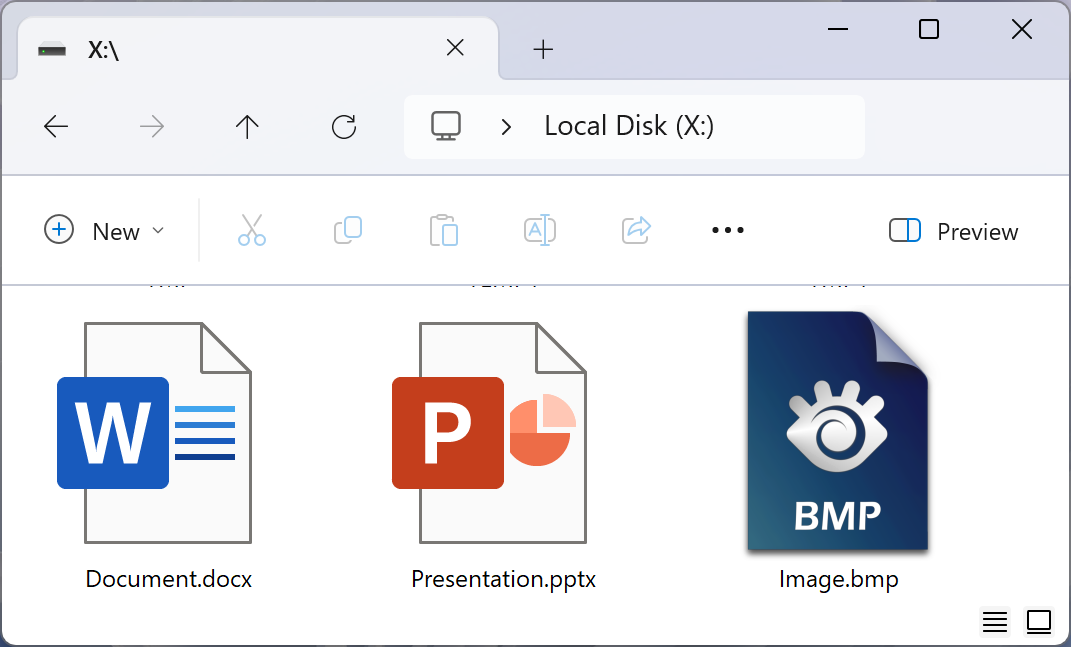
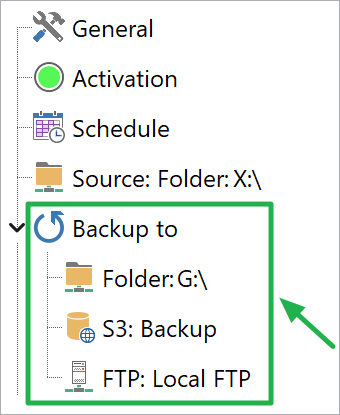
The order in which AnyFileBackup performs the backup (each file is fully transferred to all Targets before the next file begins):
- Copy
Document.docfrom X: to G: - Copy
Document.docfrom X: to S3: Backup bucket - Copy
Document.docfrom X: to Local FTP server - Copy
Presentation.pptxfrom X: to G: - Copy
Presentation.pptxfrom X: to S3: Backup bucket - Copy
Presentation.pptxfrom X: to Local FTP server - Copy
Image.bmpfrom X: to G: - Copy
Image.bmpfrom X: to S3: Backup bucket - Copy
Image.bmpfrom X: to Local FTP server
General
- Backup type
-
How files are transferred from Source to Target. Two options are available:
- Copy files from Source to Target — files are created in Target and also remain in Source (non-destructive).
- Move files from Source to Target — files are created in Target and then removed from Source.
Unconditional Renaming of Files Transferred to Target
- Enabled
- Disabled by default for all new tasks. When enabled, AnyFileBackup checks every file being transferred to any Target against the Match pattern rule. If the filename matches, the Rename pattern rule is applied and the file arrives in Target under the new name. If there is no match, the file transfers without renaming.
- Match pattern
- A regular expression identifying which filenames (or parts of filenames) should be renamed on transfer to Target.
- Rename pattern
- A regular expression defining the new filename the file will have in Target.
Conflict Resolution Rules
This group of settings defines what happens when a file being transferred from Source has the same name as a file already present in Target.
- If target file exists
-
Specifies the action taken when a same-named file already exists in Target:
- Replace Target file always — the existing file in Target is always overwritten with the file from Source.
- Replace older file in Target — the file in Target is replaced only if it is older than the file from Source (comparison by date and time). A newer Source file always wins.
- Rename Source file — the incoming file from Source is renamed before being placed in Target, preserving the existing Target file unchanged.
- Rename Target file — the existing file in Target is renamed, and the Source file is placed under its original name.
- Skip file transfer — the Source file is not transferred if a file with the same name already exists in Target.
- Rename template
- The template applied to files that are to be renamed (used with the Rename Source file and Rename Target file options above). Macro string syntax is described in the Macro Strings reference.